A Q U I L O
Software for Student Riding Competitions
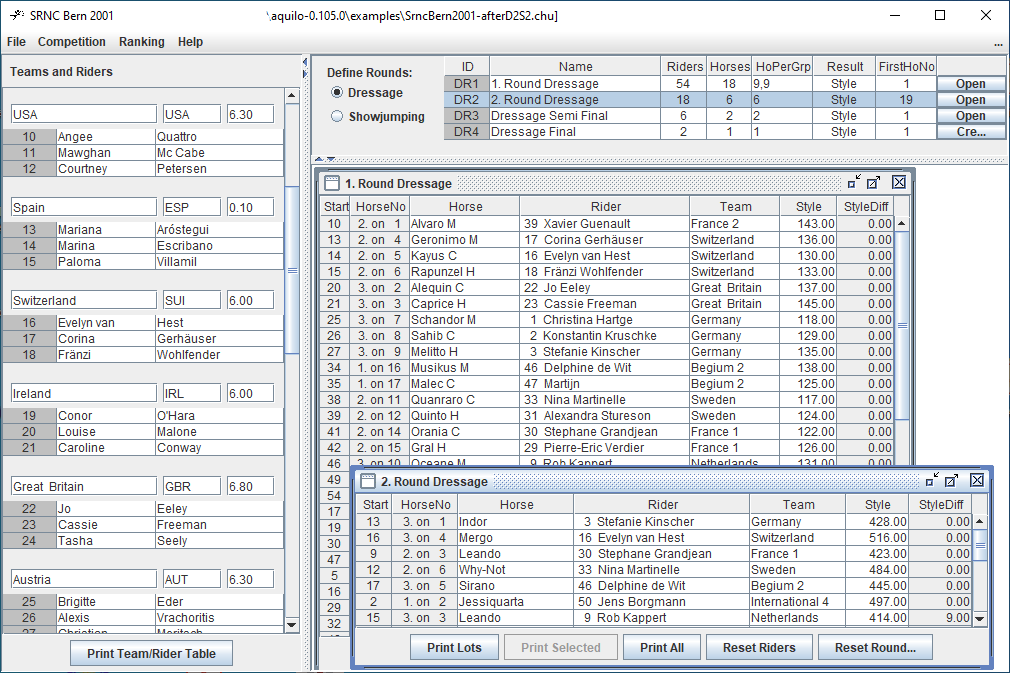
Aquilo facilitates many of the office tasks during a student riding competition: It maintains the data of riders and teams, generates drawing lots, starting lists, and differences for each round. Final results can be calculated for different competition types and displayed in various ways. Many of the rules for CHIU/SRNC, WUEC, and German CHUs are supported.
Given an arbitrary number of teams, the program generates an "empty" competition with typical settings for all rounds. These round settings may be adapted to the organizers' needs before the round is started. Using Drag&Drop, riders can be assigned to their horses easily. During a round, all affected differences are automatically updated whenever a new result is entered.
All output is generated as HTML and automatically displayed in your favorite web browser. The HTML file can be used for printing or can directly be published on the internet. Aquilo was created during student riding competitions between 1997 and 2005 by Andreas Steidle (student riding groups Zürich & Konstanz). Since 2018 it is maintained and improved by Philipp Tegtmeyer (student riders Aachen).
Last Update to this site: 06 September 2026 
Requirements
PC/Laptop with Windows 10 or later
Run the Aquilo file with the black rider icon in the base folder of the extracted ZIP (Aquilo.exe).
Aquilo is not registered with Microsoft so Microsoft Defender or other virus protection software will show a warning.
On the warning click More info to get a button "Run anyway".
Requirements
PC/Laptop with Windows 10 or later
Java 17
This version of aquilo offers the ability to use commandline arguments at the start, however you need to install Java 17 to use it.Please install it from www.oracle.com (~150MB).
To make use of the features of this version open a CMD or Powershell terminal, cd to your aquilo files and start it using:
your_aquilo_dir/java -jar aquilo.jar use -h to get the list of start arguments.
Requirements
PC/Laptop with your preferred linux distribution
Java 17
Install Java 17 and run aquilo (-h to get all start arguments):apt install openjdk-17-jre cd your_aquilo_directory java -jar aquilo.jar
NOT SUPPORTED
Due to apple's completely closed ecosystem, aquilo support for mac os is currently not feasible. If you have a mac and experience in developing and distributing java applications for mac, please feel free to contact me.Documentation
AquiloHelp.htm contains installation instructions and program documentation. It is also included in the Aquilo file you can download above.
Aquilo Output Samples
Look at examples of HTML output files form SRNC Bern 2001 (after 2nd round DR/SJ):On windows, chrome or firefox offer the best options for printing.
- TeamsAndRiders.html
- List of all Teams and Riders
- RoundDR1Lots.html
- Drawing lots for the first round dressage
- RoundDR1byStartNo.html
- 1st Round dressage in starting order
- RoundDR1byDifference.html
- 1st Round dressage sorted by difference
- RankingIndividualShowjumping.html
- Individual ranking showjumping after 2nd round
- RankingOverviewFinal.html
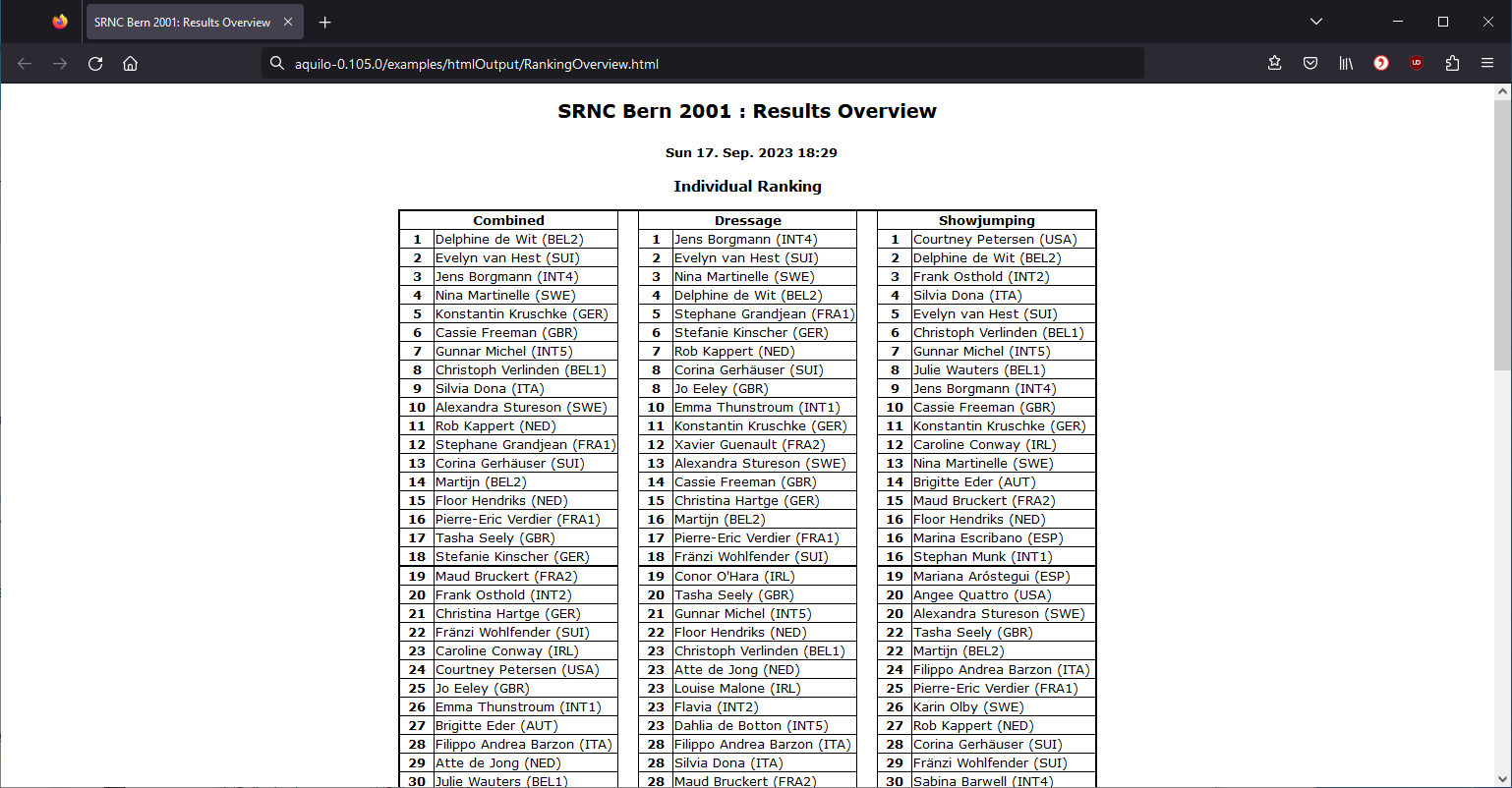
- Ranking overview of the whole competition
- TeamResultDetails.html
- Detailed list of the whole competition
(essential to check for any errors)
Excel Sheets for adding Dressage and Showjumping Protocols
Also they have not been severely tested you might find these files useful. Please check all formulas before you use them.All sheets have gray areas which are write protected by default, so you can't by mistake change any formulas. If you disable write protection for the sheet you can easily adopt it to another test. The results of the sheets can usually be entered directly into Aquilo.
- CalcDressageProtocols.zip
- A series of Excel sheets for adding up the movements of AIEC team and individual tests.
They are also very useful as a template for any other dressage test. - CalcShowjumpingProtocols.zip
- AIEC showjumping protocols as Excel sheet, one rider per column, all side by side.